Build the scene.
Work with objects, materials, lighting, and cameras. Create a product render or explore a camera move.
Blender Get started
Pixa creates images, edits video, and builds 3D scenes. Give it a brief and your files. It plans the work, uses the tools, and handles your revisions.
Get started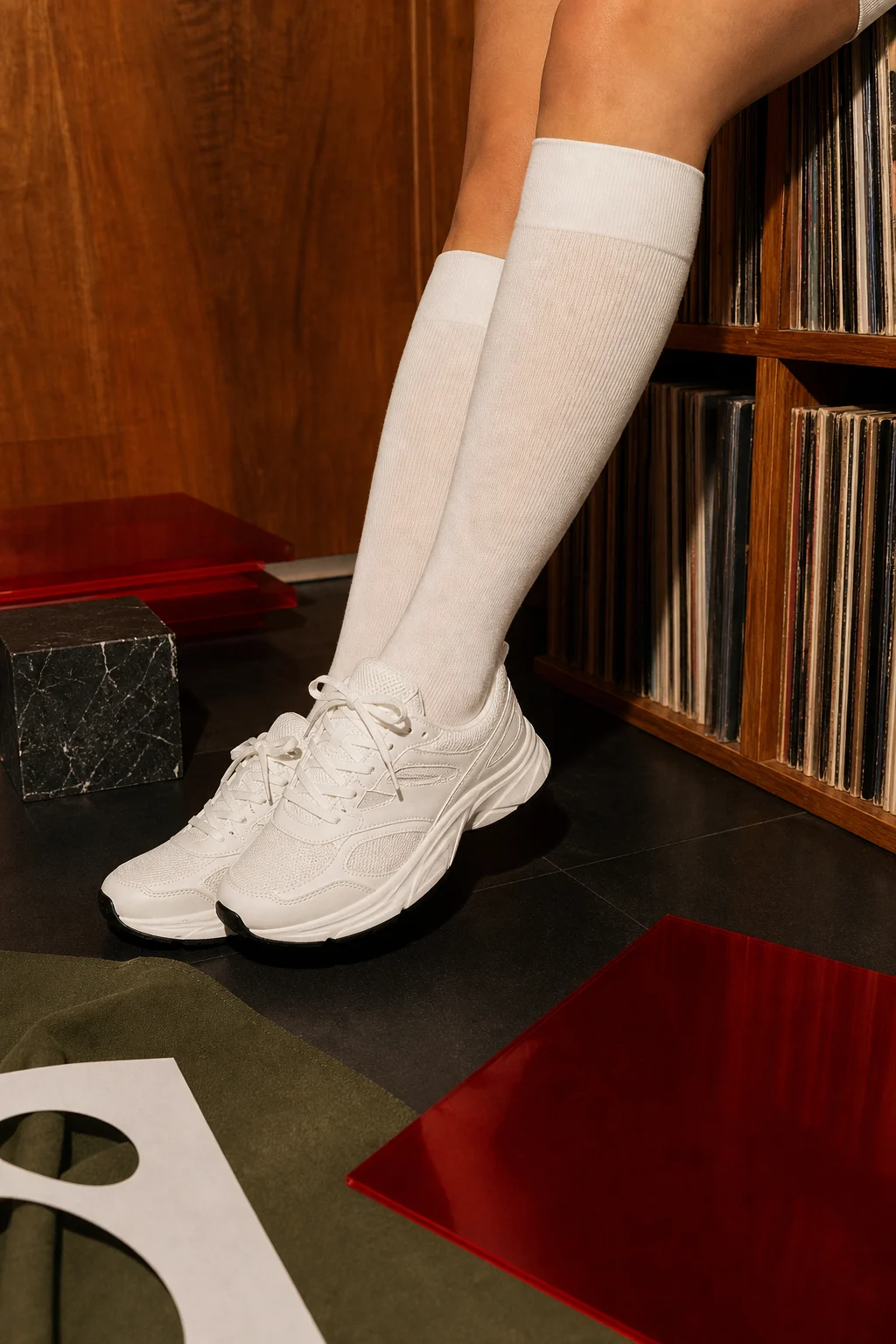
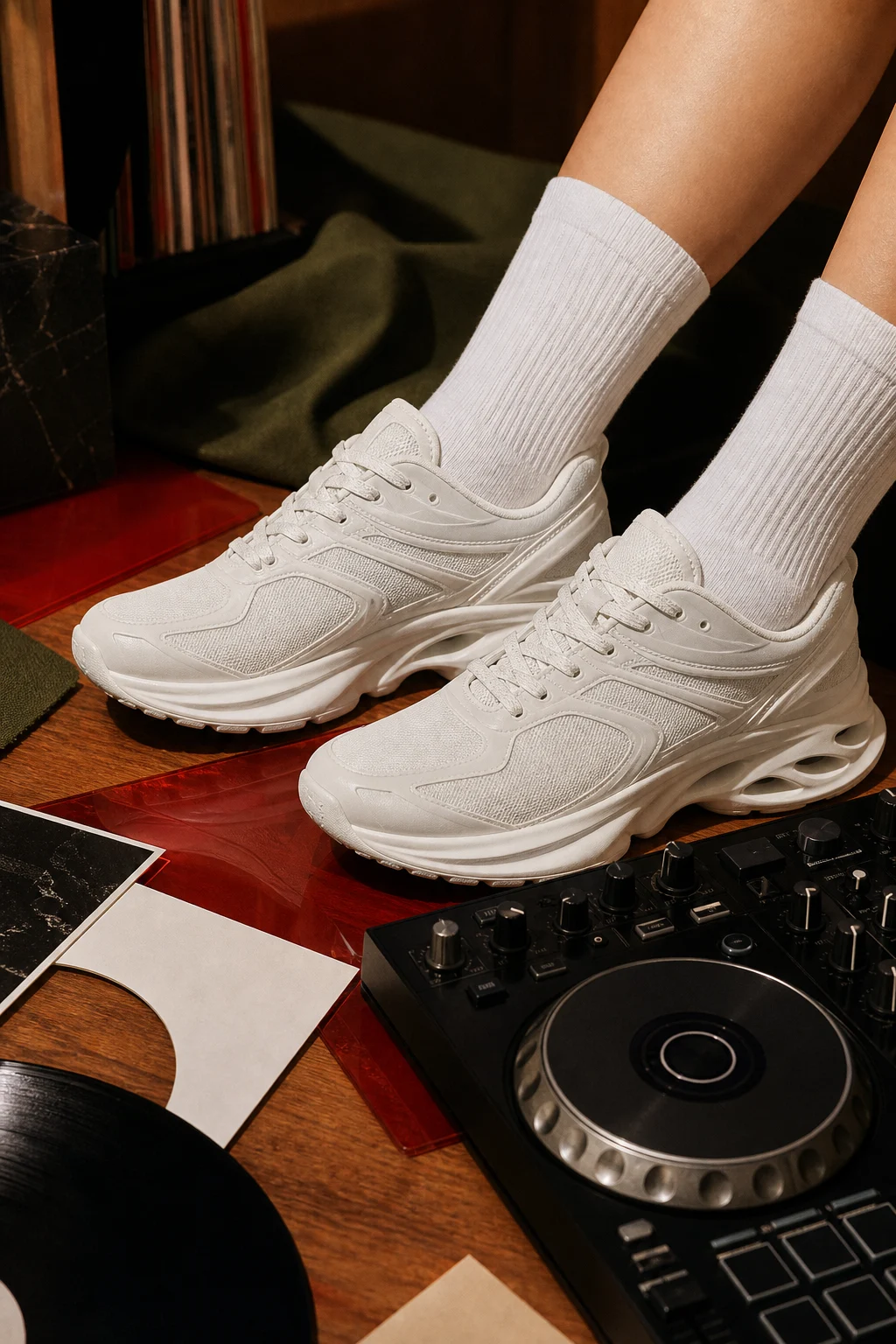

An editor for your footage. A designer for your campaign. A 3D artist for your product launch. Pixa puts those capabilities to work on your brief, so you can take on projects that used to take a team.
Turn one shoot into a launch film, a week of posts, and creative for every channel. Pixa carries the look across all of it.
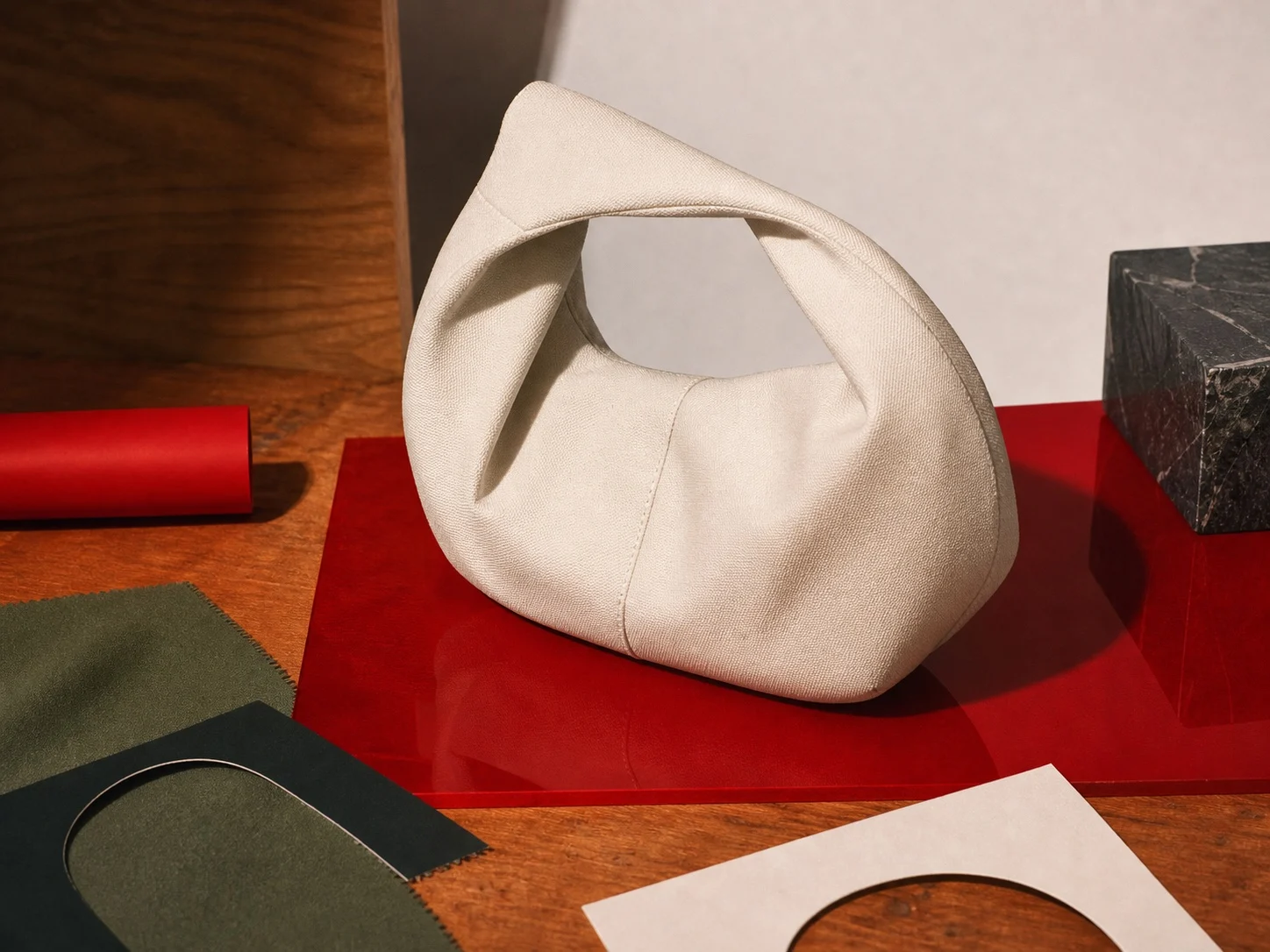
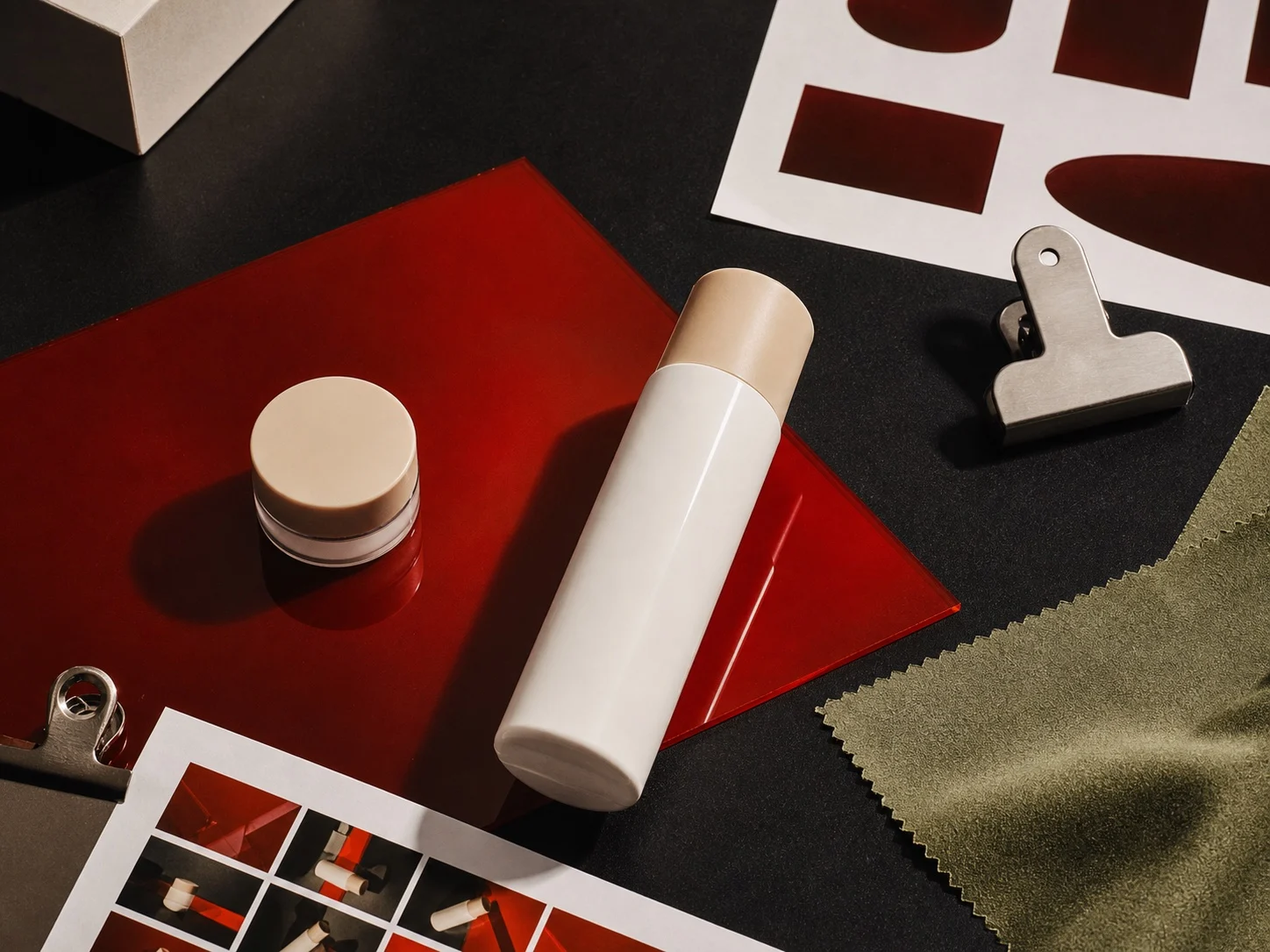
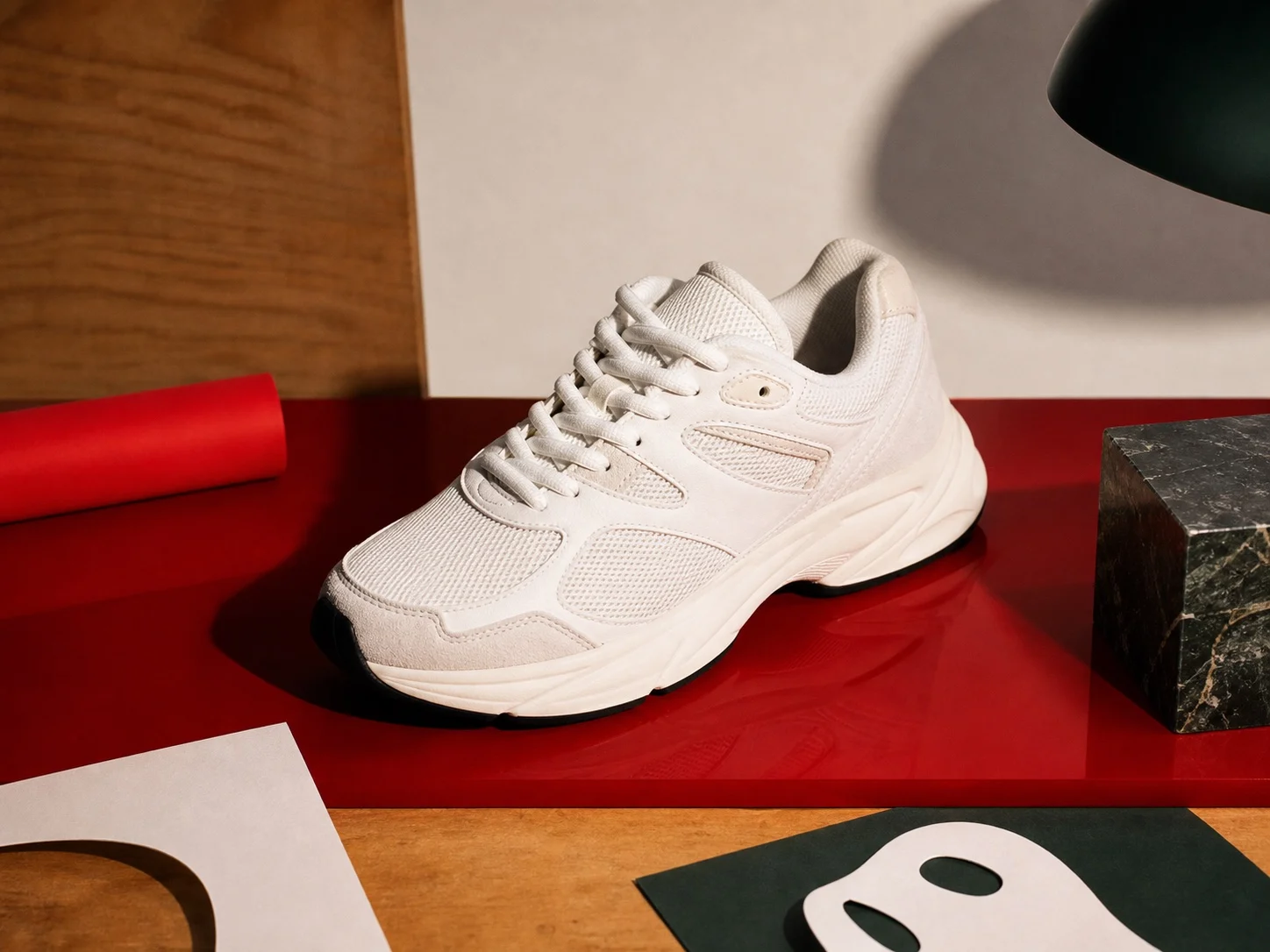
Product images, website banners, email creative, and social ads. Pixa develops a consistent look, produces the set, and works through your feedback.
Give Pixa the footage and a direction. It takes on the shot selection, the edit, the sound, and the exports. You bring your eye to the first cut.
Use the footage from this shoot. Open on the records and finish on the shoes. Add music. Make a widescreen version for the website and a vertical cut for social.

Your product shots, brand guidelines, and approved campaigns give Pixa a head start. It keeps your files and feedback between projects, so you can brief the next job without explaining your brand all over again.
Circle a product. Select a shot. Ask for a tighter cut. Pixa edits the underlying project, so you can change one detail without starting over.
Compare versions, approve the direction, and keep the editable files.
Pixa works with image, video, and audio models alongside software like Blender and DaVinci Resolve. It can build the scene, render the shot, and bring it into an edit. You direct the result instead of operating every tool.
Work with objects, materials, lighting, and cameras. Create a product render or explore a camera move.
BlenderSelect shots, shape the timeline, work on the grade, and bring the soundtrack into the edit.
DaVinci ResolveGenerate an image, animate a scene, or make a voiceover. Pixa chooses models to suit the job.
Image, video, and audio modelsGet the final files and the working project behind them. Send the film, hand off the campaign, or return to the edit without rebuilding it.
The master edit, a vertical cut, and versions for the channels you asked for.
Approved imagery prepared for your website, email, and social channels.
The editable project and source material, ready for the next round of work.
Put Pixa to work on your next project. Get started.
Pixa is currently invitation-only.